

In a world where buffering feels like a personal affront, the quest for a reliable Wi-Fi connection is nothing short of heroic. Picture this: you’re streaming your favorite show, and suddenly, the dreaded spinning wheel of doom appears. It’s enough to make anyone want to throw their router out the window! But fear not, because reducing Wi-Fi interference is easier than you might think.
Understanding WiFi Interference
Wi-Fi interference disrupts connectivity, affecting streaming and browsing experiences. Awareness of its causes and effects helps in optimizing wireless networks.
What Is WiFi Interference?
Wi-Fi interference refers to signals that obstruct or weaken wireless communication. This disruption can lead to slower internet speeds and unreliable connections. When multiple devices compete for bandwidth, performance declines. Environmental factors also contribute to this interference.
Common Causes of WiFi Interference
Numerous elements cause Wi-Fi interference.
- Physical obstacles: Walls, floors, and furniture can muffle signals.
- Other wireless devices: Microwaves, cordless phones, and baby monitors emit signals that interfere.
- Crowded networks: Multiple routers nearby using the same frequency bands can create overlap.
- Misconfiguration: Incorrect settings on devices may lead to poor connectivity.
- Outdated equipment: Older routers may not perform well in modern environments.
Identifying these causes helps in taking steps to enhance Wi-Fi performance.
Techniques to Reduce WiFi Interference
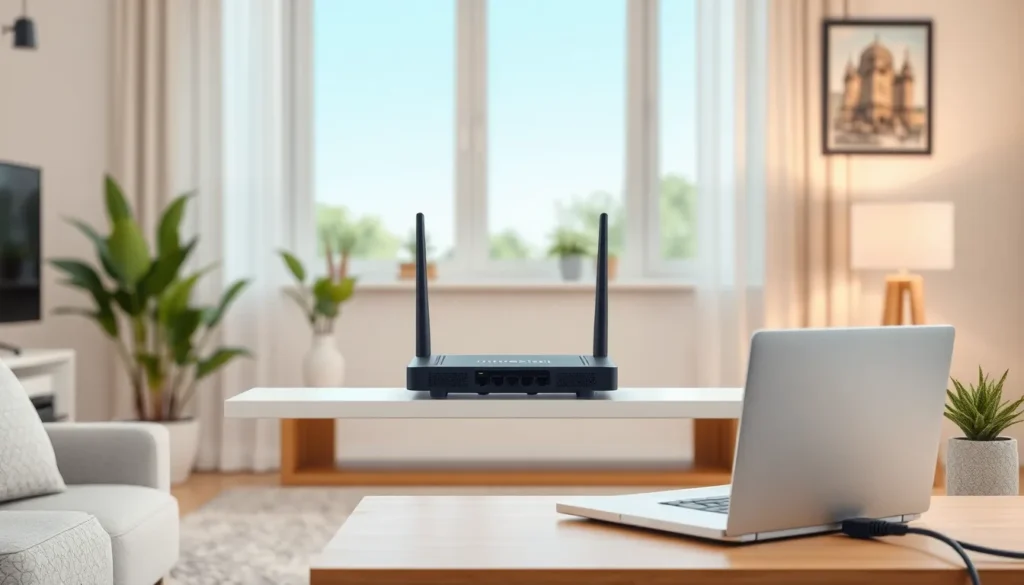
Implementing effective techniques can significantly enhance Wi-Fi performance. Reducing interference helps ensure smoother streaming and browsing experiences.
Optimize Your Router Placement
Proper router placement enhances Wi-Fi signal strength. Positioning the router in a central location minimizes obstacles, allowing for better signal distribution. Elevating the router can also clear interference from furniture and walls. Keeping it away from electronic devices, which emit interference, further improves connectivity. Results often include stronger signals across the home or office.
Change the WiFi Channel
Selecting the right Wi-Fi channel can minimize interference. Wireless networks often overlap, particularly in crowded areas. Accessing the router settings allows users to switch to a less congested channel. Using tools to analyze network traffic aids in identifying optimal channels. This simple tweak can lead to improved connection speeds and reduced dropouts.
Use Wired Connections When Possible
Wired connections provide a reliable alternative to Wi-Fi. Connecting devices directly via Ethernet ensures a stable and faster internet speed. This method eliminates various forms of Wi-Fi interference, including wall obstacles and electronic devices. Utilizing wired connections for stationary devices, such as gaming consoles or desktop computers, also maximizes bandwidth efficiency. Such precautions contribute to overall network performance enhancements.
Advanced Solutions
For enhanced Wi-Fi performance, consider more sophisticated approaches. These strategies address interference challenges effectively.
Install WiFi Extenders
WiFi extenders expand coverage areas significantly. They amplify existing signals, reaching previously dead zones in homes or offices. Placement affects performance, so positioning them midway between the router and the weak signal area ensures better results. Wireless extenders can handle multiple devices concurrently, improving overall connectivity. This setup helps reduce buffering and ensures smooth streaming experiences.
Utilize Dual-Band or Tri-Band Routers
Dual-band routers operate on both 2.4 GHz and 5 GHz bands. They provide flexibility, reducing interference from crowded networks. Using the 5 GHz band minimizes interference from devices like microwaves and cordless phones. Tri-band routers take this a step further by adding an extra 5 GHz band, effectively distributing traffic among devices. Such routers enhance performance in homes with numerous connected devices, ensuring stable connections during high-demand activities, like gaming or streaming.
Reducing Wi-Fi interference is essential for achieving a seamless online experience. By implementing simple strategies like optimizing router placement and selecting less congested channels, users can significantly enhance their connectivity. For those facing persistent issues, advanced solutions such as Wi-Fi extenders and dual-band routers offer effective ways to boost signal strength and coverage.
Taking proactive steps to minimize interference not only improves streaming quality but also ensures a more reliable internet connection for all devices. With the right approach, anyone can conquer the challenges of Wi-Fi interference and enjoy uninterrupted access to their favorite content.

